mobile design
A New Calibration Experience
Turned a frustrating multi-step calibration process into a guided, user-tested experience that gets cameras set up right the first time.
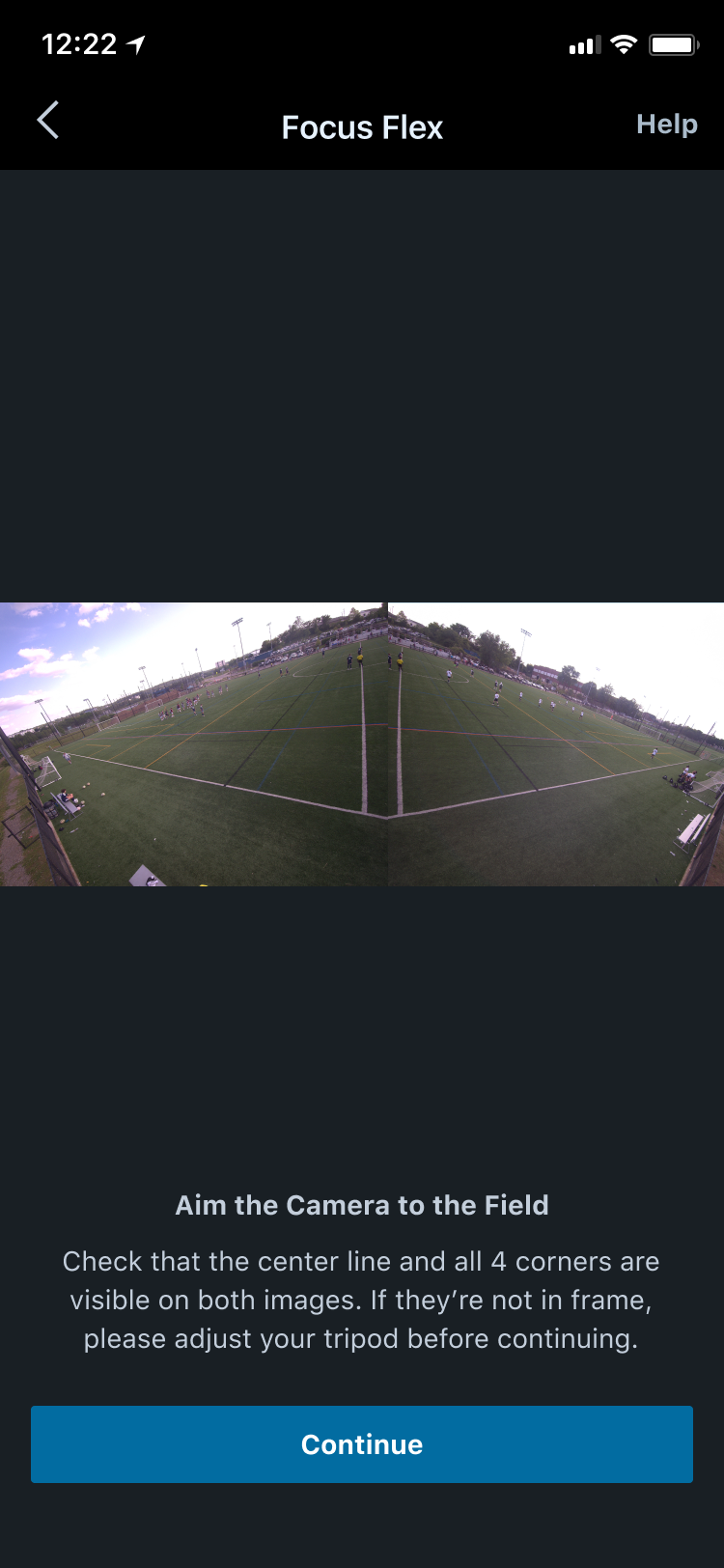
context
Project Overview
The Challenge
Hudl's Focus Flex Camera relies on machine learning to identify field endpoints and orient recording automatically. When ML calibration falls short, users are handed a manual calibration flow as a fallback — a process that currently leaves users confused and frustrated.
The Solution
Reimagined the calibration process with a one-pin-at-a-time validation process. The final design, tested by beta users, was a high-fidelity prototype that was implemented into the app.
my role
What I Owned
Discovery & Research
- →User interviews
- →Survey Creation
- →Consolidating research to insights
Design & Prototyping
- →Pin Redesign
- →High-fidelity prototypes
- →Interactive flows
Testing & Validation
- →A/B user testing
- →Physical hardware testing
outcomes
Final Prototypes
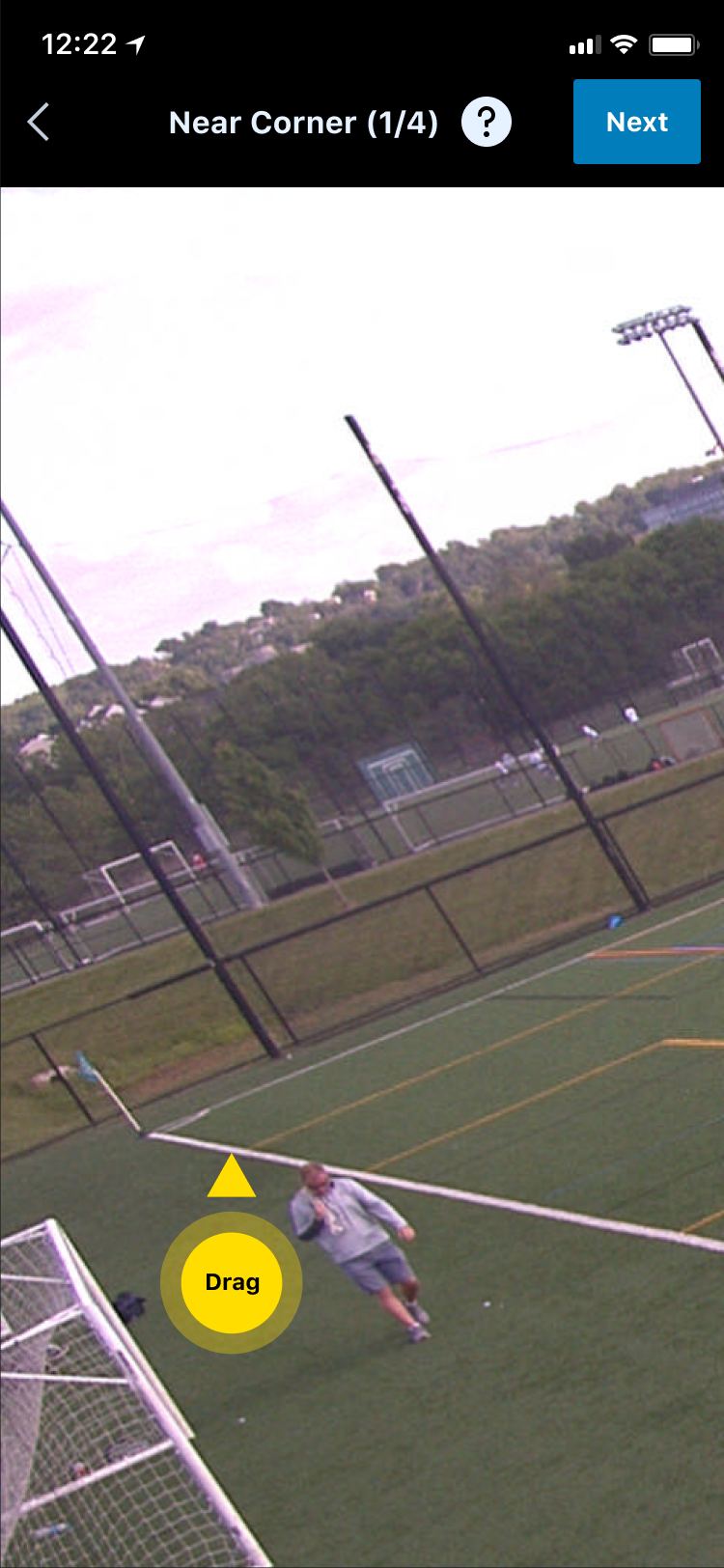
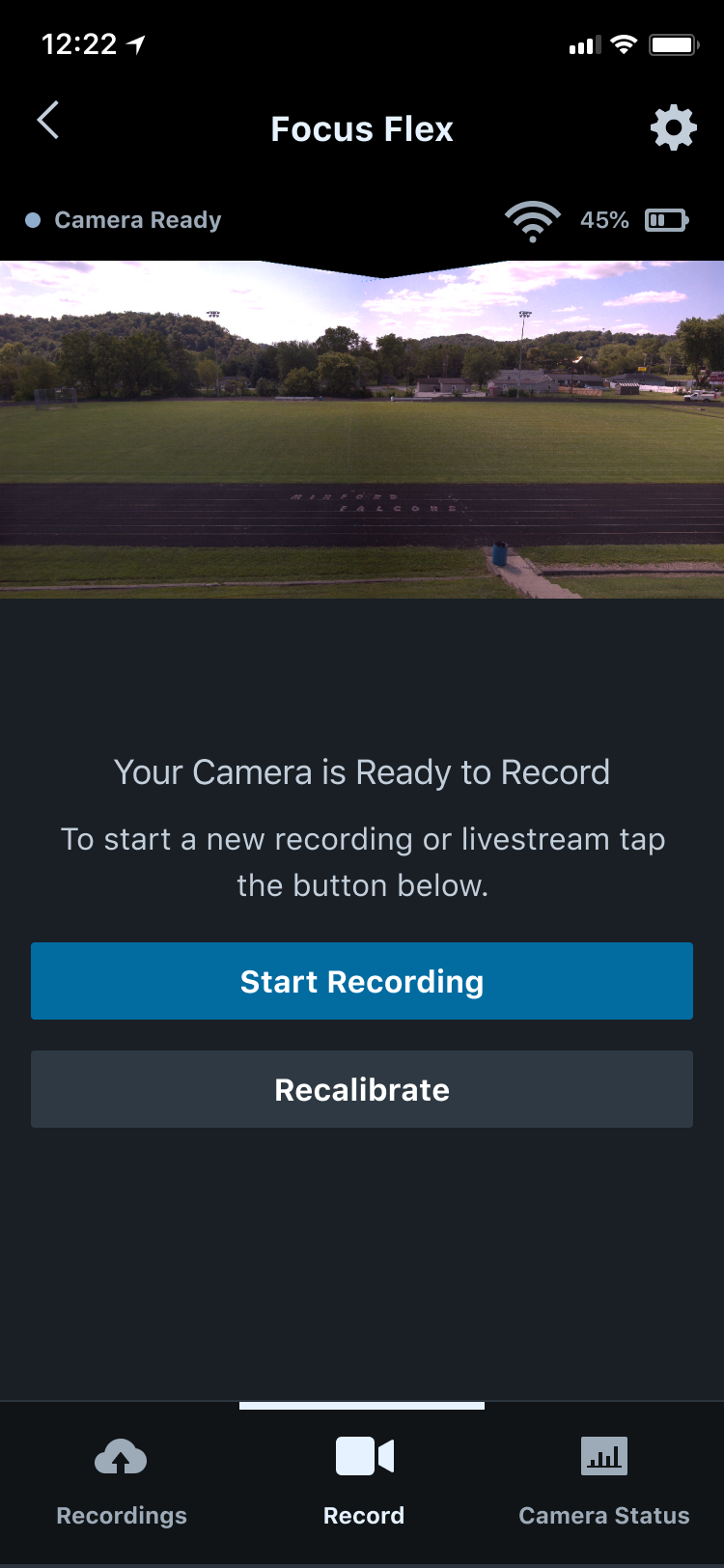
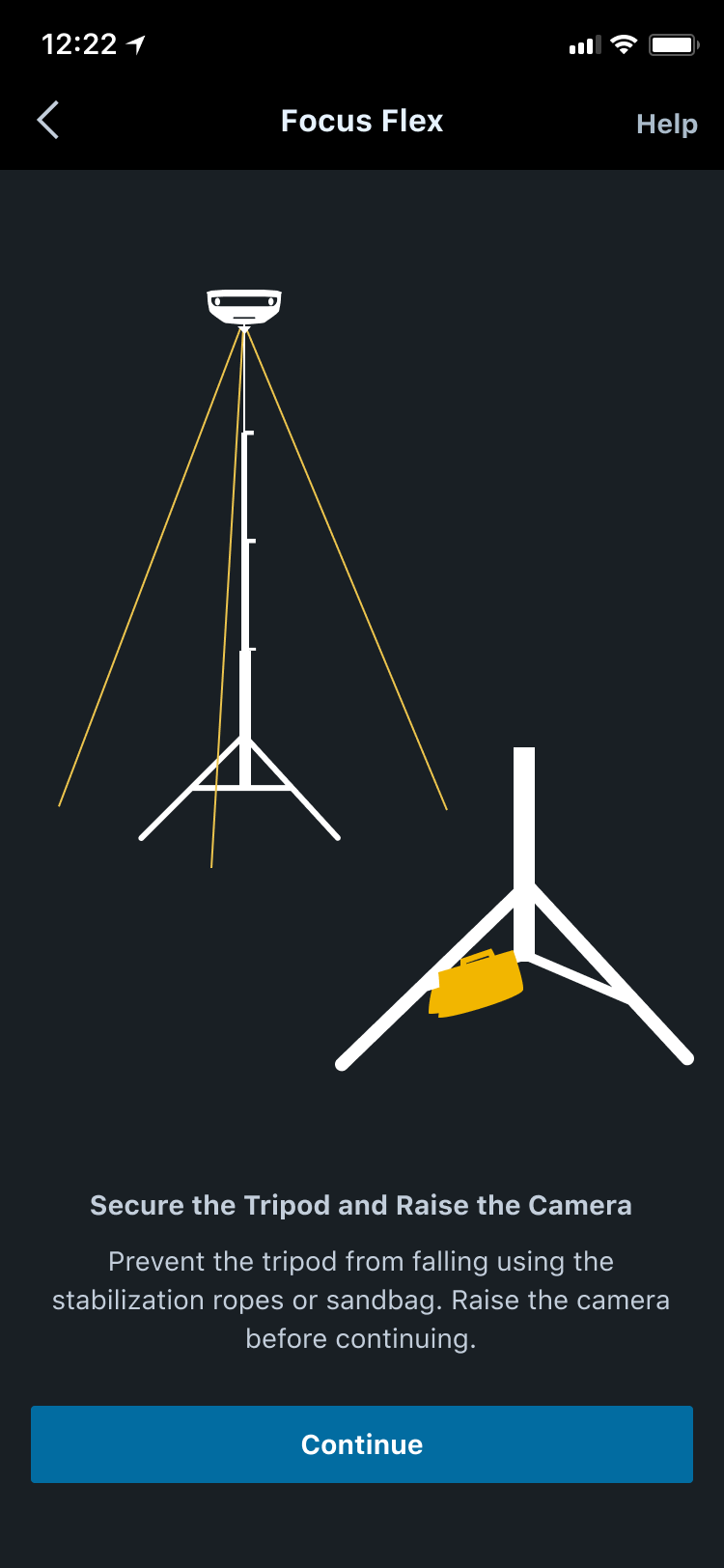
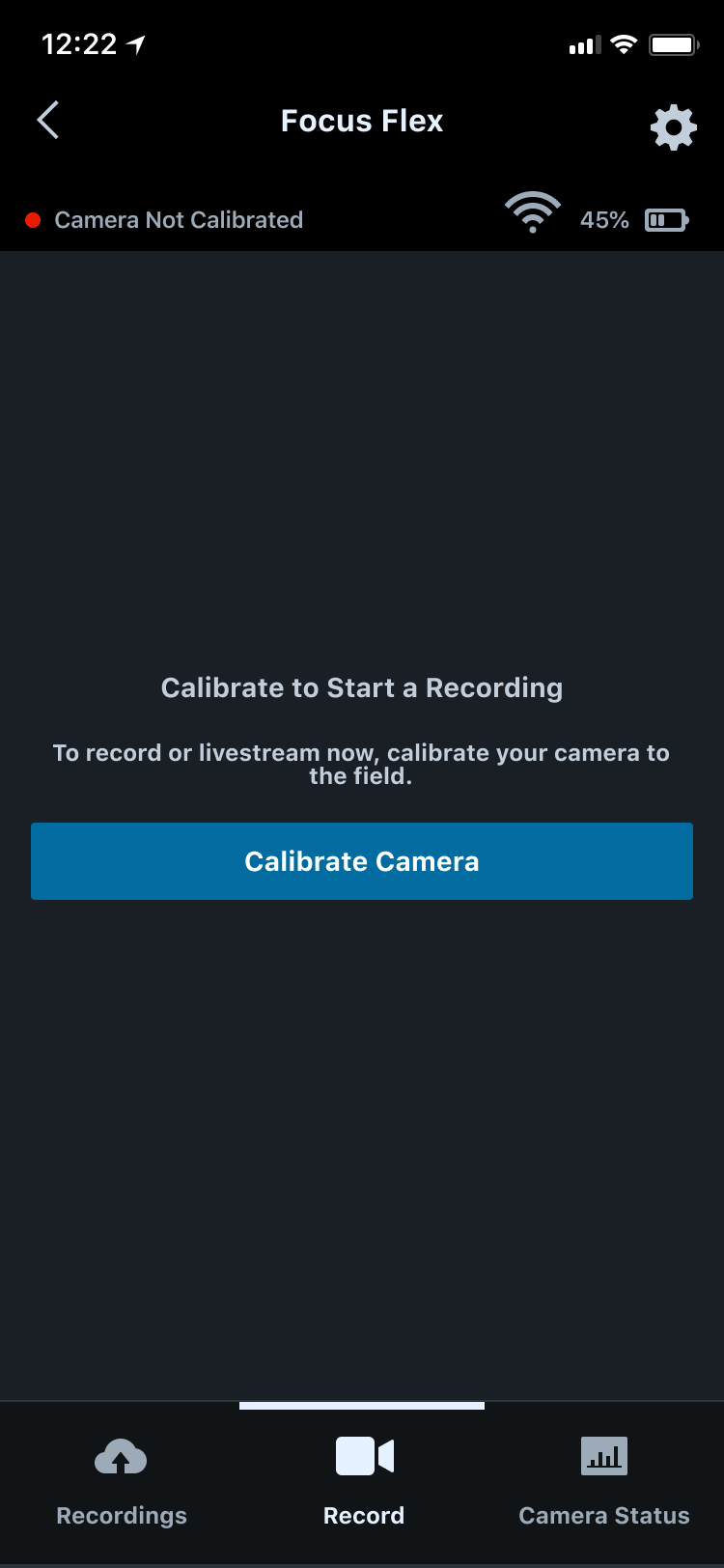
The final design was a guided, one-pin-at-a-time calibration flow. This design was implemented into the app — you can view it here.
Giving Coaches More Confidence
Coaches can see exactly where each pin lands and trust that calibration will succeed.
Saving Time Searching for Corners
No more zooming and searching — each corner is pre-framed so users can place pins quickly and confidently.
Easy-to-Use Pin
The new pin design is easy to understand and see on a mobile screen.
methodology
The Process
User Research
To understand where users were feeling frustrated, I conducted the following research:
- •Analyzed past testing reviews from users via Dovetail
- •Sent surveys to beta users
- •Attempted the calibration myself as a new user
Pin Design
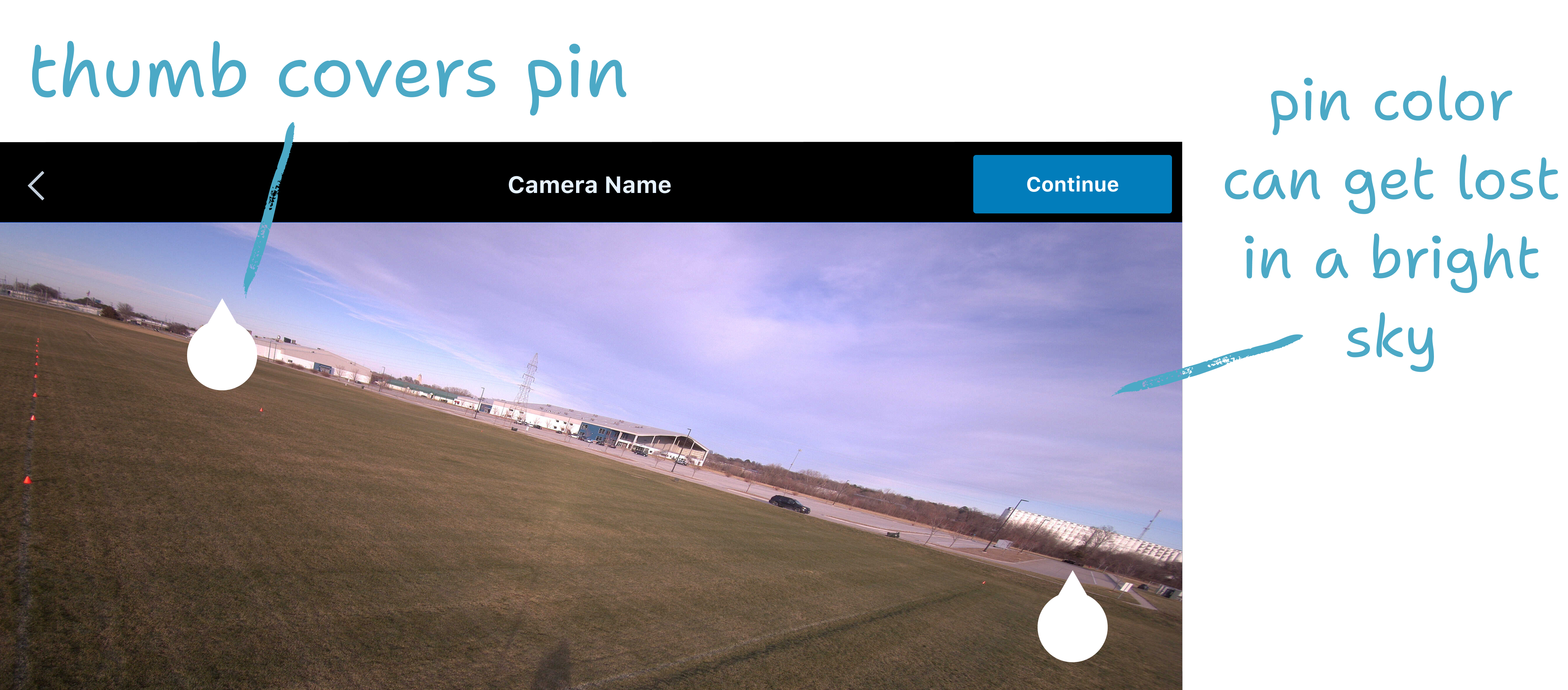
From this research, I found that most users struggled with the color, shape, and usability with the existing pin.
- •The white color of the pin got lost on a bright screen
- •The pin shape led users confused on if the circle or the point needed to be in the corner
- •Users would drag the pin with their thumb, covering the entire pin.
Ideation
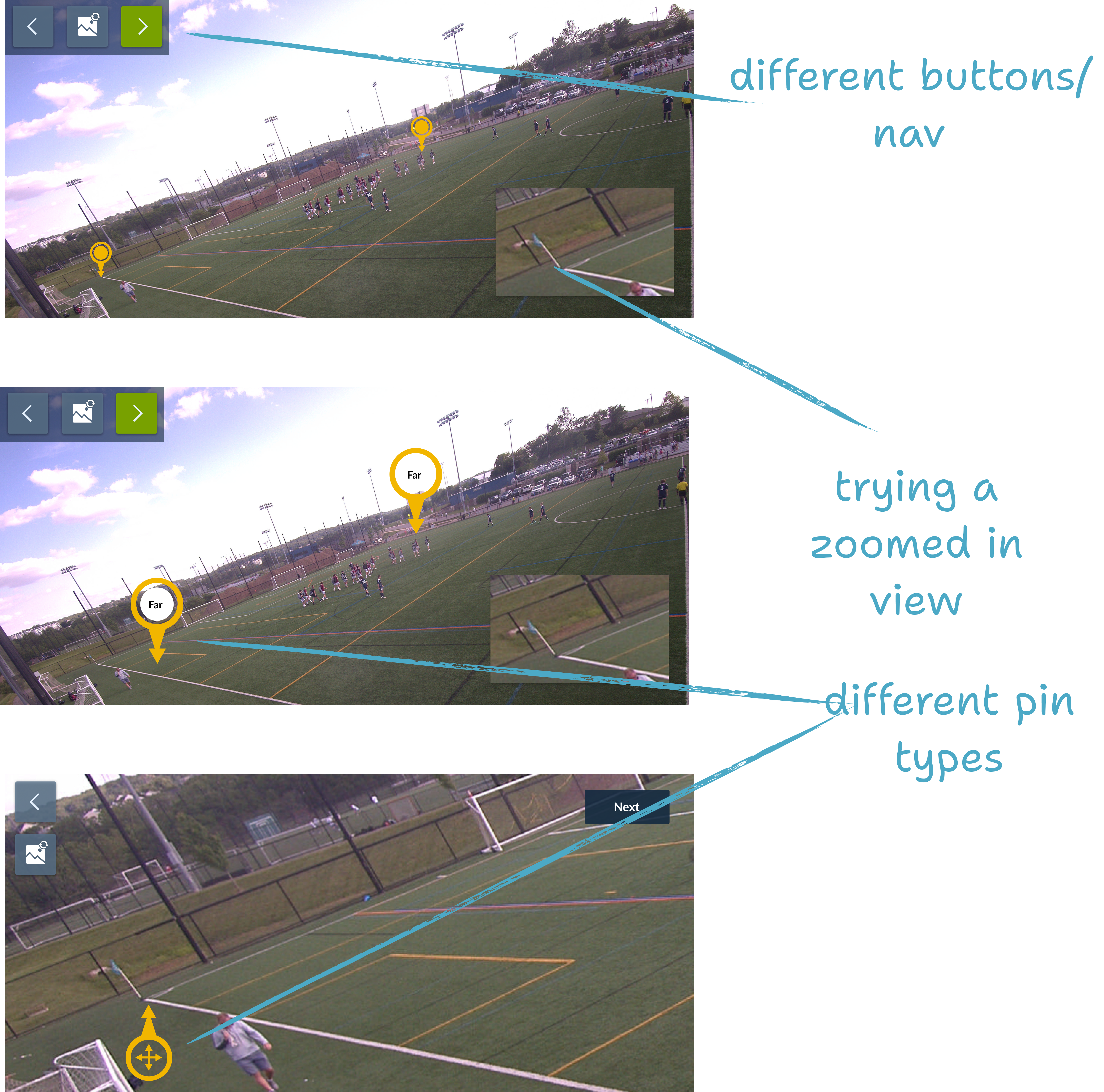
After sketching and consulting with engineers and designers, we explored two approaches — calibrating with two pins at once vs. one-at-a-time — and built clickable Figma prototypes for both. In addition to building these prototypes, I tested various floating navigation and visual aids optimized for thumb use, iterating with the design team to land on a final structure.
A/B User Testing
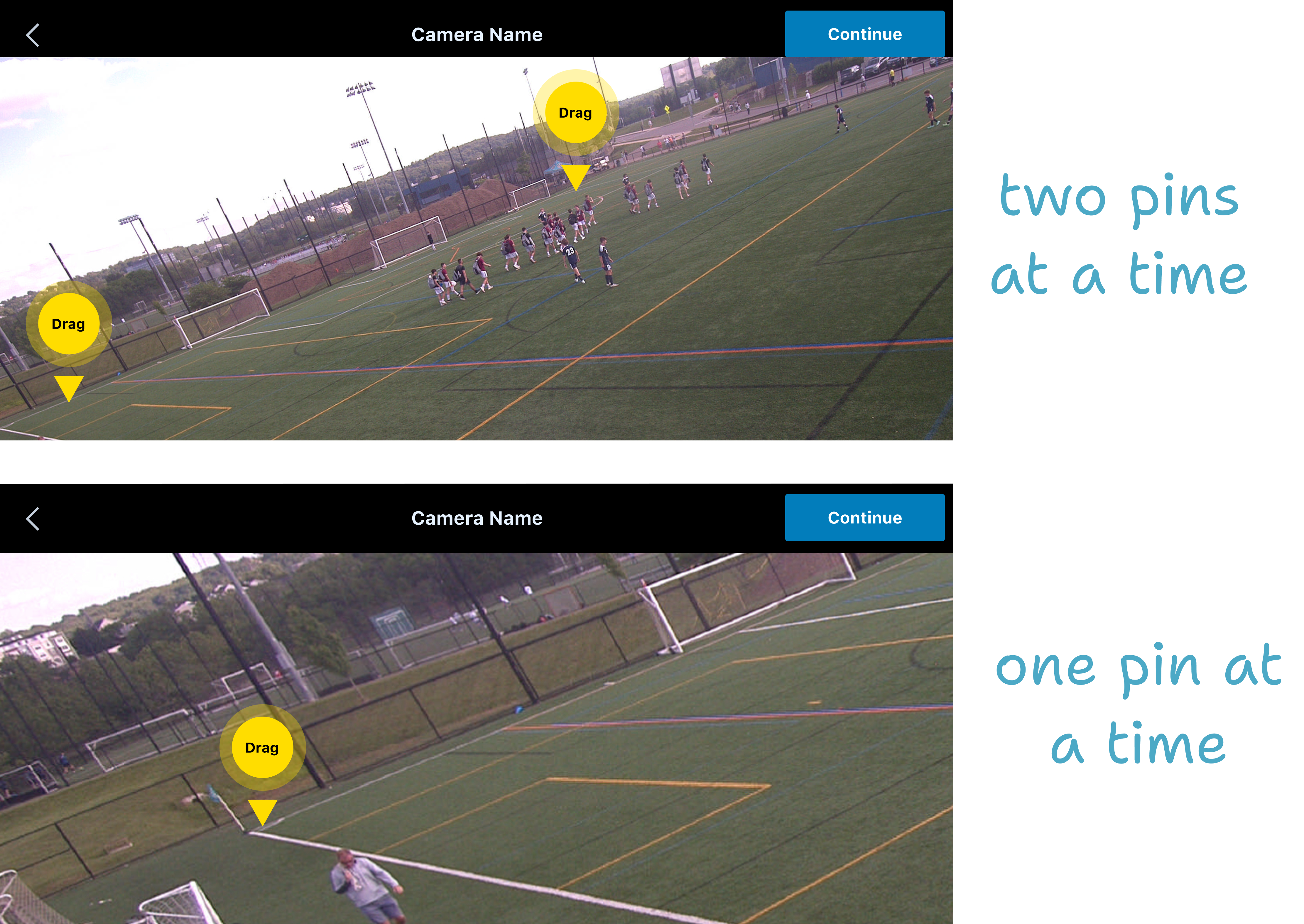
The testing focused on two scenarios: one where the user plotted two pins on a time (half the field at once), and the other scenario where the user plots one point at a time. I led the testing interviews for 10 beta users.
results
Testimonials
“It's a lot easier. I love this new calibration… It's been easy and quick and a lot more simplified than the previous one…
The fact that you know where you're plotting it — you're not guessing which pin goes where. You know exactly where you need to find it.”
Adam Hunter, Boys Academy Director at Century United